
As artificial intelligence becomes increasingly integrated into corporate workflows, accessing information spread across chats, emails, documents, and projects has become a daily challenge.
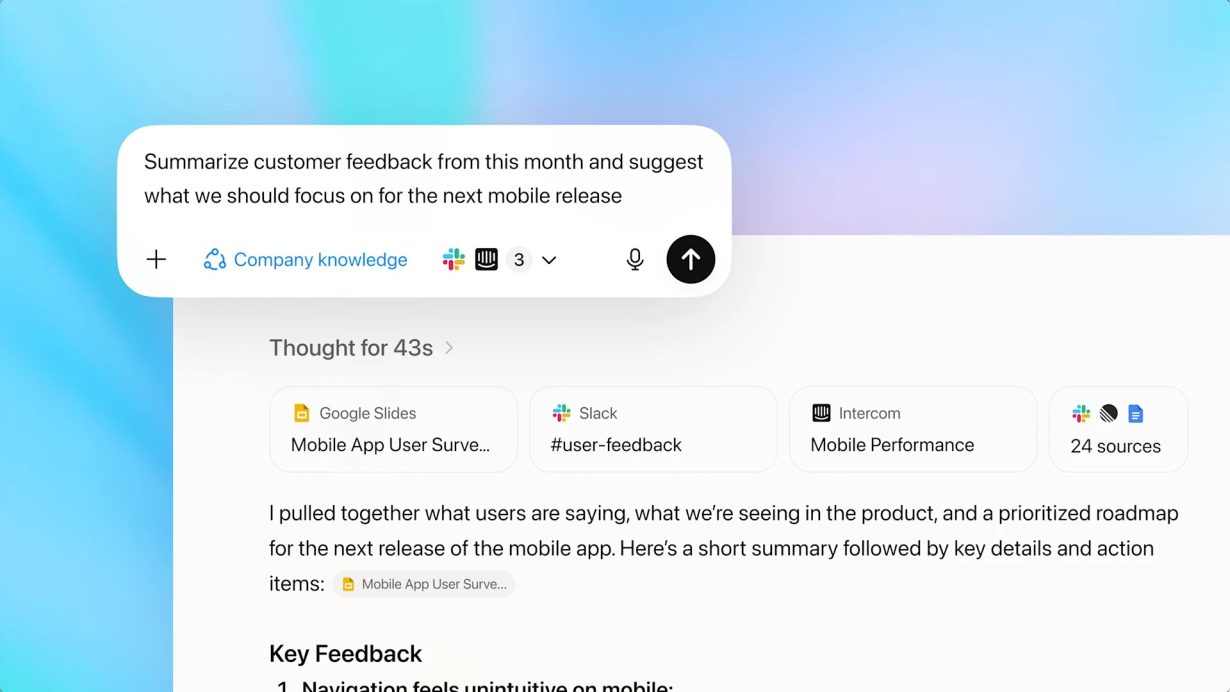
Recently, OpenAI introduced a new capability called Company Knowledge for ChatGPT Business, Enterprise, and Edu — turning ChatGPT into a private analyst that understands your company’s internal context.
More details: https://openai.com/index/introducing-company-knowledge/
Key Features
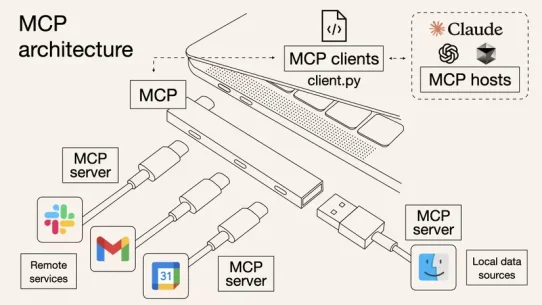
Company Knowledge allows ChatGPT to connect with popular internal apps such as Slack, Google Drive, SharePoint, GitHub, and more via official connectors.
Once enabled, ChatGPT can synthesize insights from multiple sources — Slack conversations, Google Docs notes, or support tickets from Intercom — to deliver answers specific to your organization’s data, not just general web knowledge.
Each response includes data source citations, improving transparency and helping users see exactly where the information came from.
Security and Governance
ChatGPT only accesses data the user is authorized to view — respecting existing permissions in connected applications.
Enterprise data is not used for model training by default. OpenAI clearly states that company information stays private and is not fed back into shared models.
The feature also supports enterprise-grade controls such as SSO, SCIM, RBAC permissions, and chat logs for auditing, making it suitable for large organizations with strict compliance requirements.
Real-World Use Cases
Meeting preparation: ChatGPT can pull insights from Google Docs notes, Slack channels, and support tickets to summarize customer updates and potential risks before a call.
Campaign reporting: Marketing teams can ask ChatGPT to compile performance summaries by combining data from CRMs (like HubSpot), presentations, and analytics dashboards.
Software development: Engineering teams can use ChatGPT to review open issues from GitHub or Linear, summarize project status, and suggest next steps.
Limitations and Things to Know
Users need to manually enable Company Knowledge at the start of each chat; otherwise, ChatGPT will behave like the standard version without internal context.
When enabled, ChatGPT does not perform web searches or generate images/charts, focusing solely on enterprise data sources for accuracy and security.
The list of supported connectors is still growing, so organizations should verify which tools are currently available before rollout.
Why It Matters for Businesses
Breaks down data silos: Employees no longer have to search across dozens of tools — ChatGPT unifies the knowledge landscape.
Accelerates decision-making: With AI-powered synthesis of internal data, teams can move faster and make better-informed choices.
Enhances AI adoption: Moves ChatGPT from a generic assistant to a context-aware enterprise companion that understands internal workflows.
Boosts productivity: Employees can instantly retrieve insights, prepare reports, or draft emails — all based on live organizational data.
Final Thoughts
The introduction of Company Knowledge marks a significant step toward making AI truly enterprise-ready.
It transforms ChatGPT from a general assistant into a context-aware knowledge engine, capable of analyzing, summarizing, and reasoning over private company data — safely and efficiently.
While still early in its rollout, this feature represents a major shift in how organizations can use AI: securely connecting internal knowledge with conversational intelligence to power smarter, faster decisions.
🌟 Company Knowledge doesn’t just make ChatGPT smarter — it makes it understand your business.